For iPhone & iPad
Dev Army Knife
101 developer tools in your pocket.
A Swiss army knife for developers: a code editor, JSON, regex and diff, SSH, SFTP, an API tester, a mock server, a Git client, image and icon tools, network diagnostics and a shelf of reference sheets, in one app. Every tool runs on the device, and every output has a Send to menu that carries it into the next tool.
Everything on the device43 tools freeOne purchase for ProNo subscriptionNo accounts, no analytics

Coming soon to the App Store
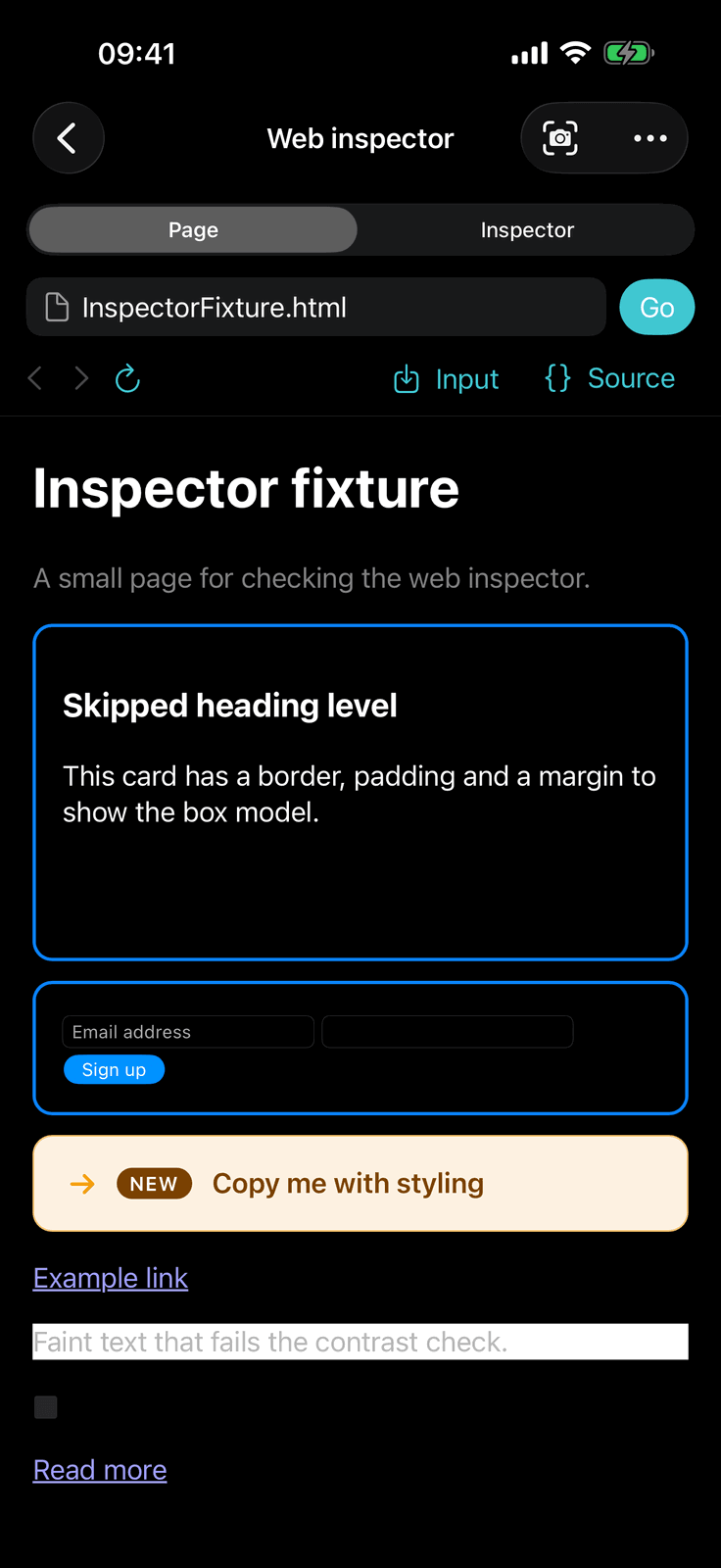
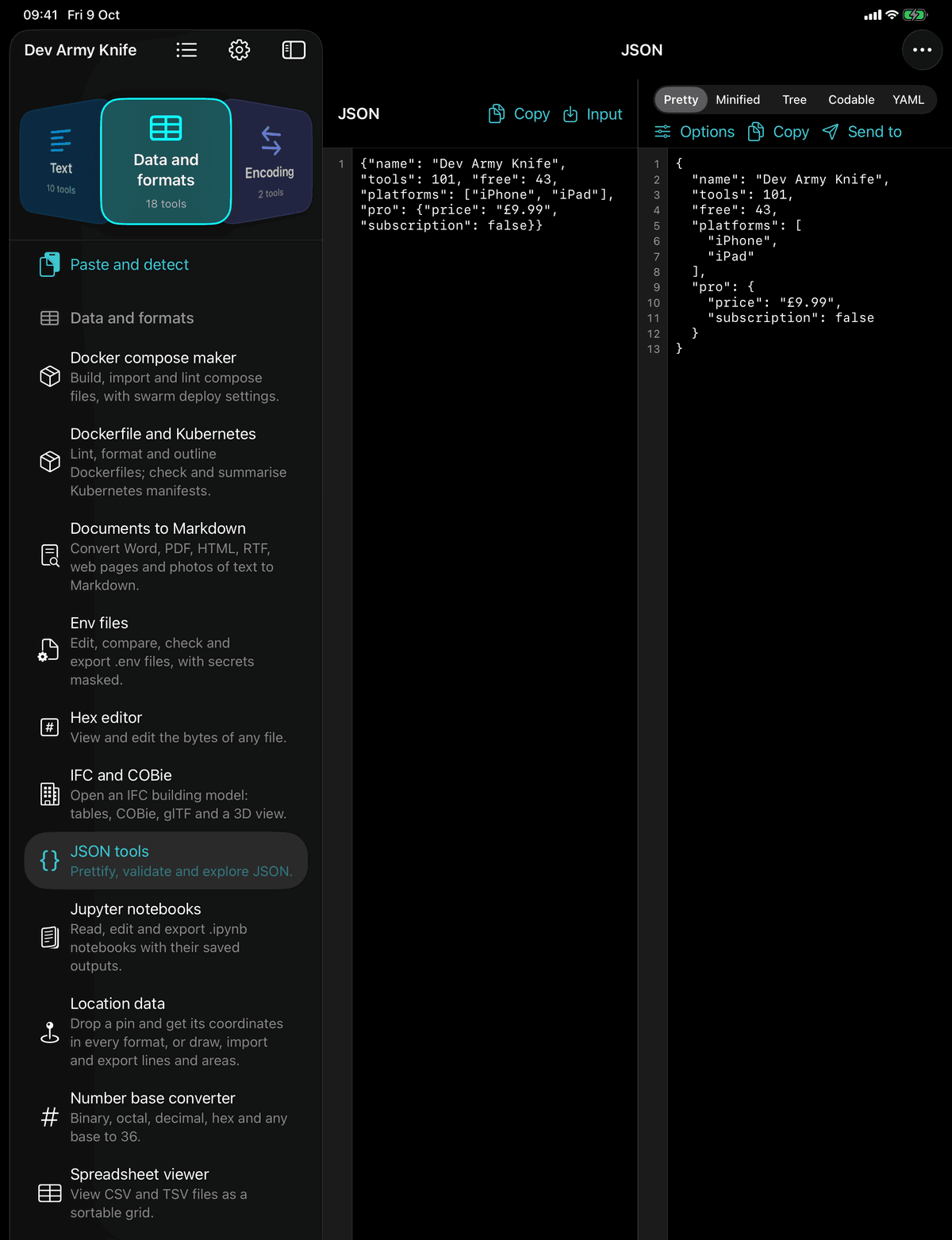
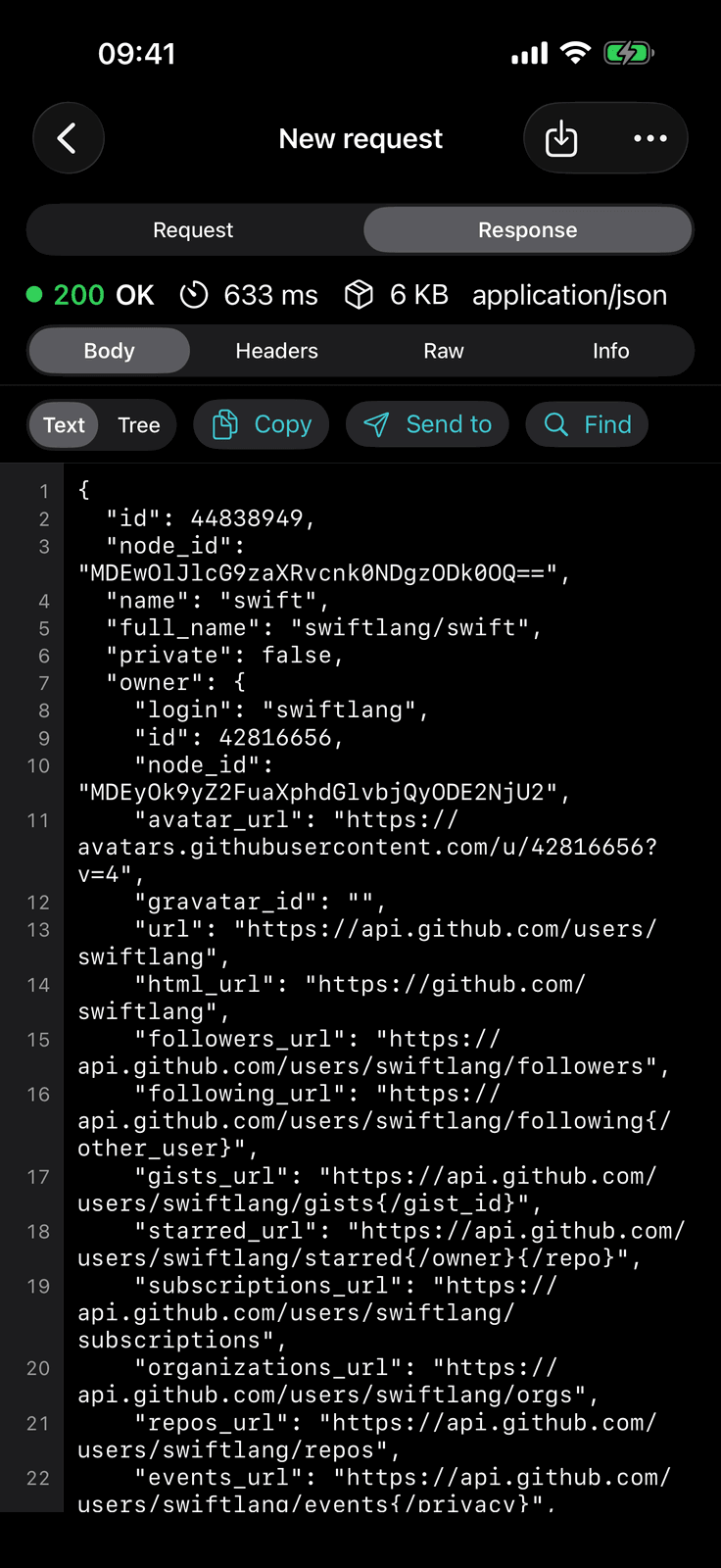
JSON tools on an iPad with the sidebar open, and the web inspector and the API tester on the phone either side. Dark mode here; light mode follows the device.
101
tools in 11 categories
43
free, and staying free
1
purchase for Pro, no subscription
0
accounts, analytics or servers
You are away from your desk
A server to check, an API to poke, a file to move. SSH with a shell, SFTP with two panes, an API tester with your collections and a Git client that clones and pushes, on the phone in your pocket.
You live in JSON, YAML and regex
Prettify, validate and explore JSON, convert YAML, XML, plist and CSV, test a regex against real input, diff two texts, decode a JWT. The quick jobs, done in a tap, and every one of those is free.
You ship apps and sites
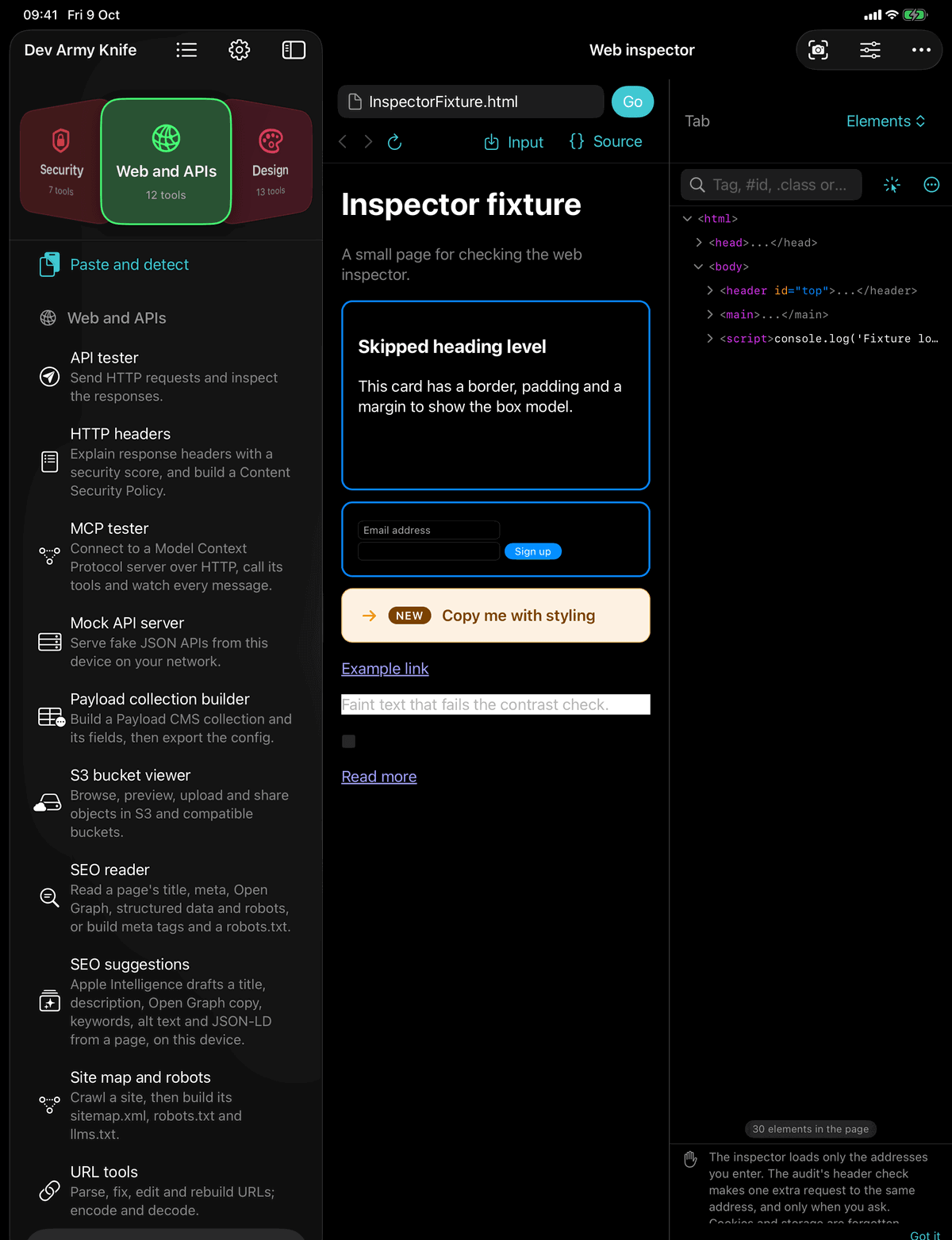
Palettes, gradients, CSS generators, Tailwind themes, favicons and app icons, App Store screenshots, an SEO reader, and a web inspector with elements, console, network and storage.
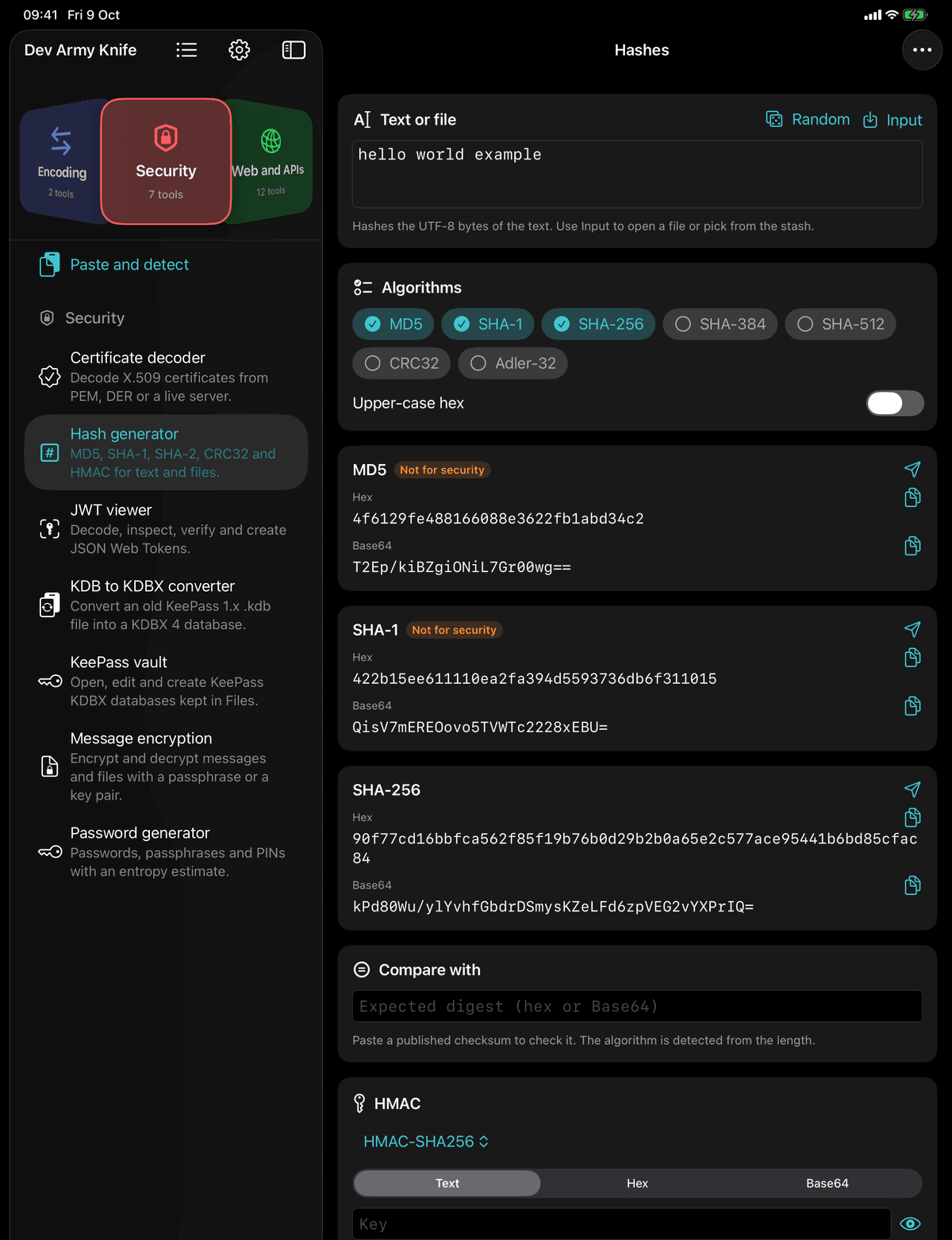
Everything on the device
No server, no account, no analytics
The privacy manifest declares no tracking and no collected data. Network access only happens on an explicit action, and the tools that do reach out say what they will do before they do it.
- Nothing leaves the phone unless you press Send, Clone, Ping or Host
- The API tester, mock server, SSH, SFTP, S3 viewer, ping and the rest connect only to the host you give them
- The two Apple Intelligence tools run on the device only
- An optional app lock with Face ID or Touch ID
Send to
Every output feeds the next tool
Every output that could feed another tool has a Send to menu listing the tools that accept it: an API response that is JSON offers the JSON tools, a colour offers the gradient and theme tools, an image offers the icon and base64 tools. The stash is a pot any tool can drop into and pick from.
- Open a file from Files or the Share sheet and the app suggests the tools that read it, by content, not just by extension: a Postman collection goes to the API tester, a Caddyfile to the server configs, a KDBX file to the KeePass vault
- Paste and detect, at the top of every category, works out what is on the clipboard and offers the tools for it
- Explain takes an error, a command, a query or a header and gives the cause, a fix and something to try, then carries the fix into the next tool
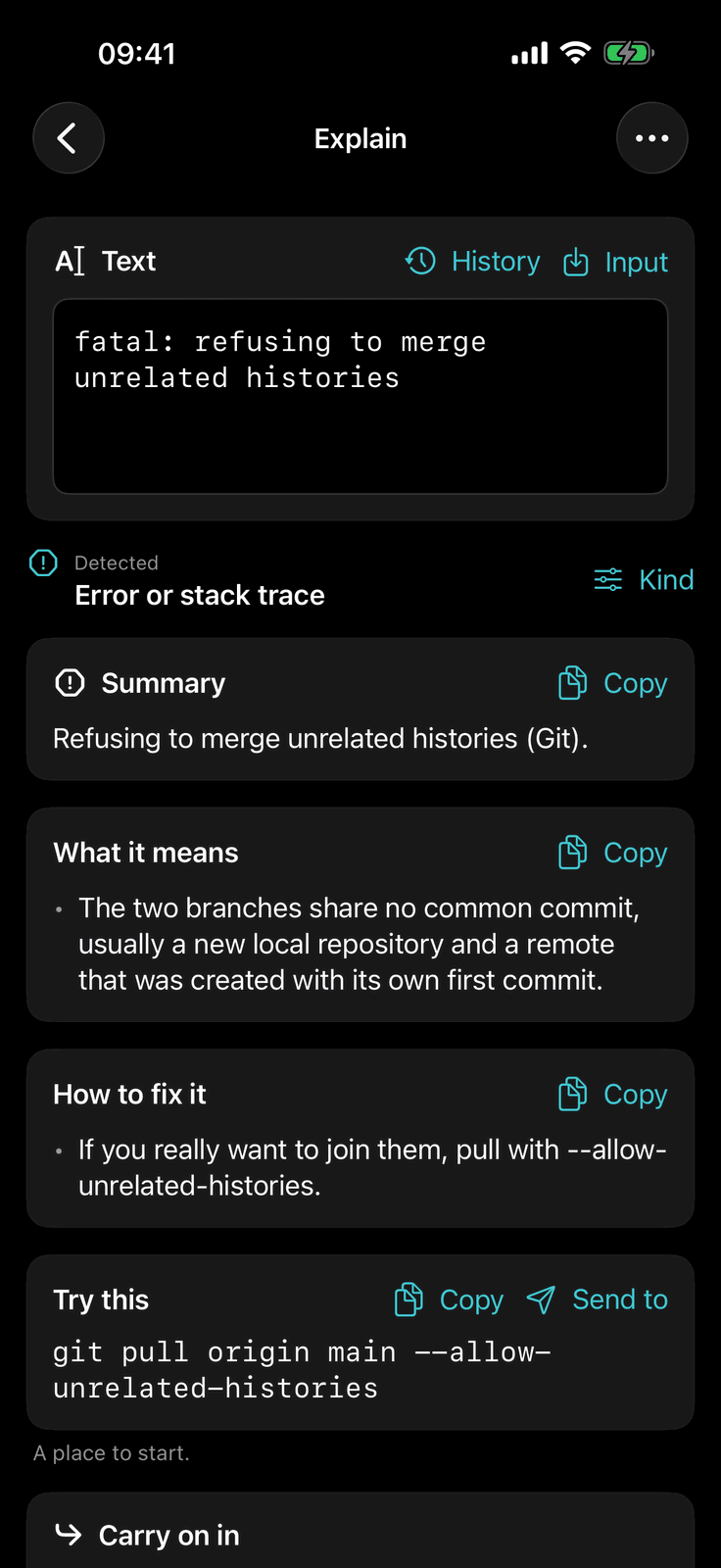
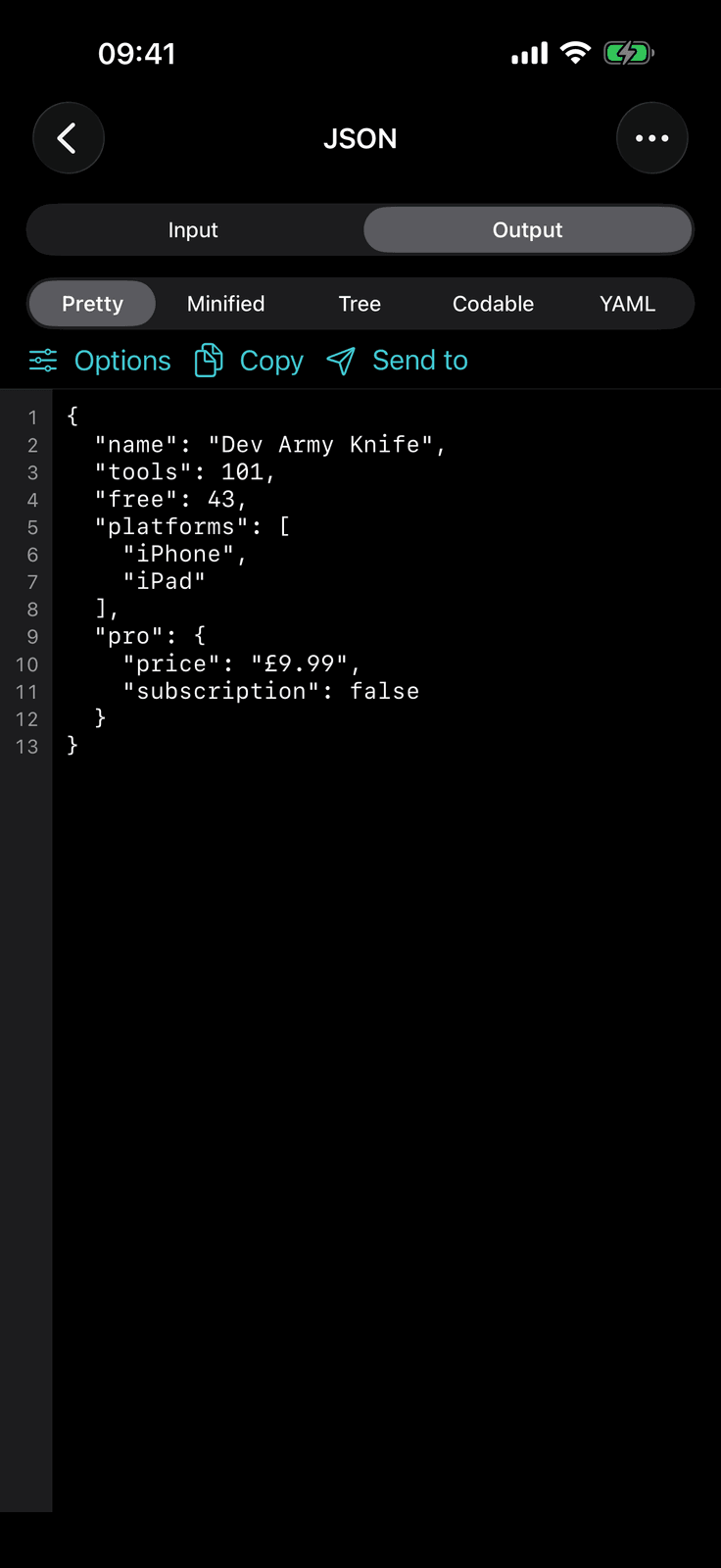
Real workbenches, not toys
SSH, SFTP, an API tester, a mock server and a Git client
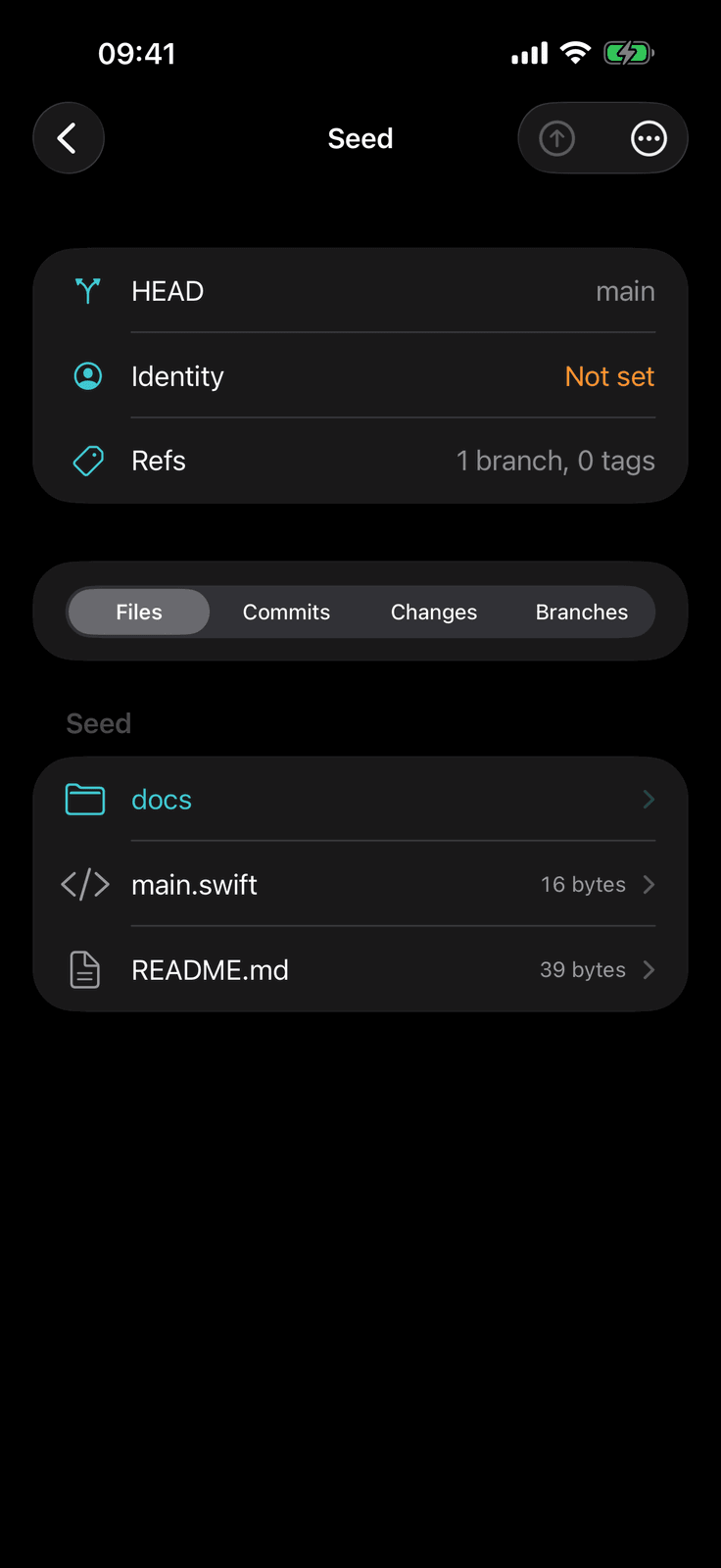
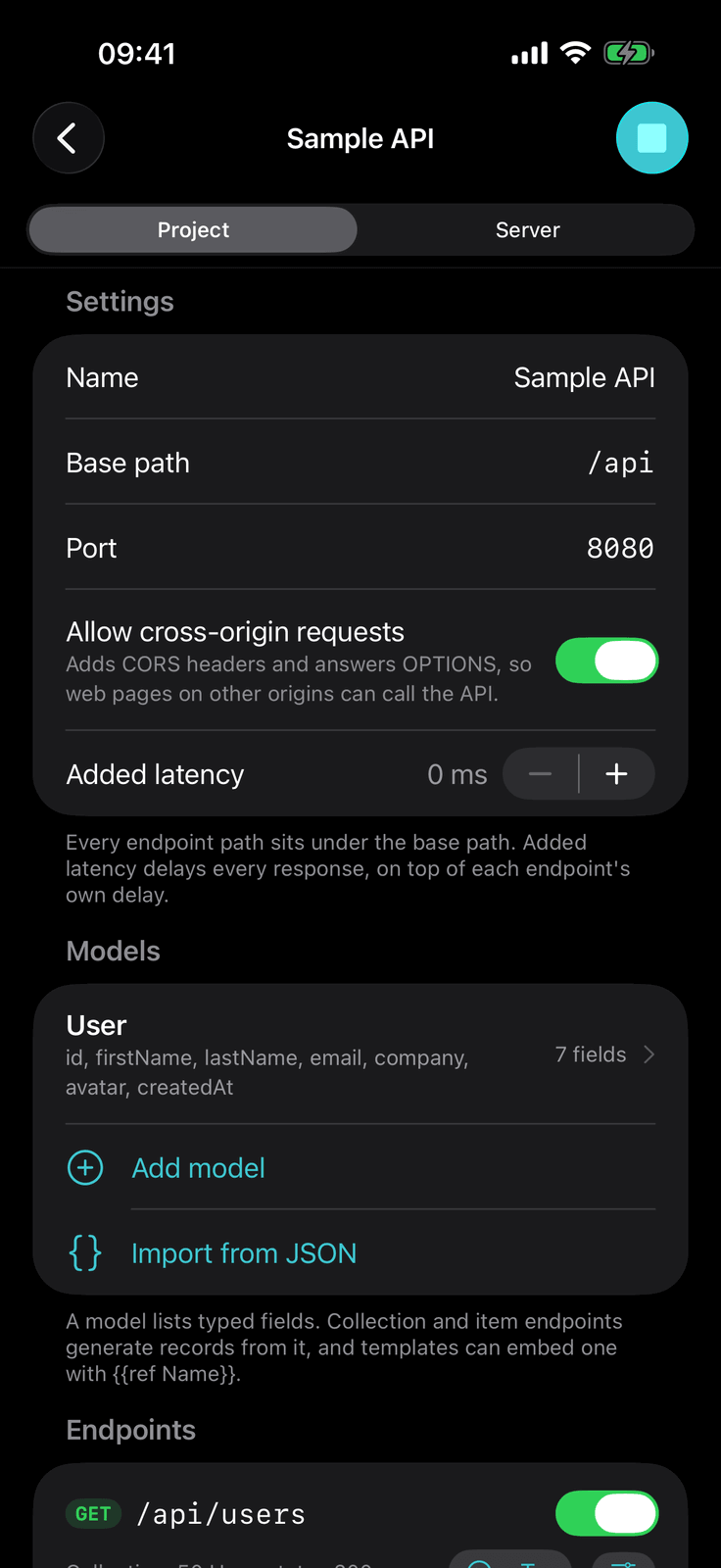
SSH with a shell, SFTP with two panes and a transfer queue, an API tester with collections and Postman and OpenAPI import, a mock API server that serves on the local network, a Git client that clones and pushes, a KeePass vault, an SQLite editor, and a web inspector with elements, console, network and storage.
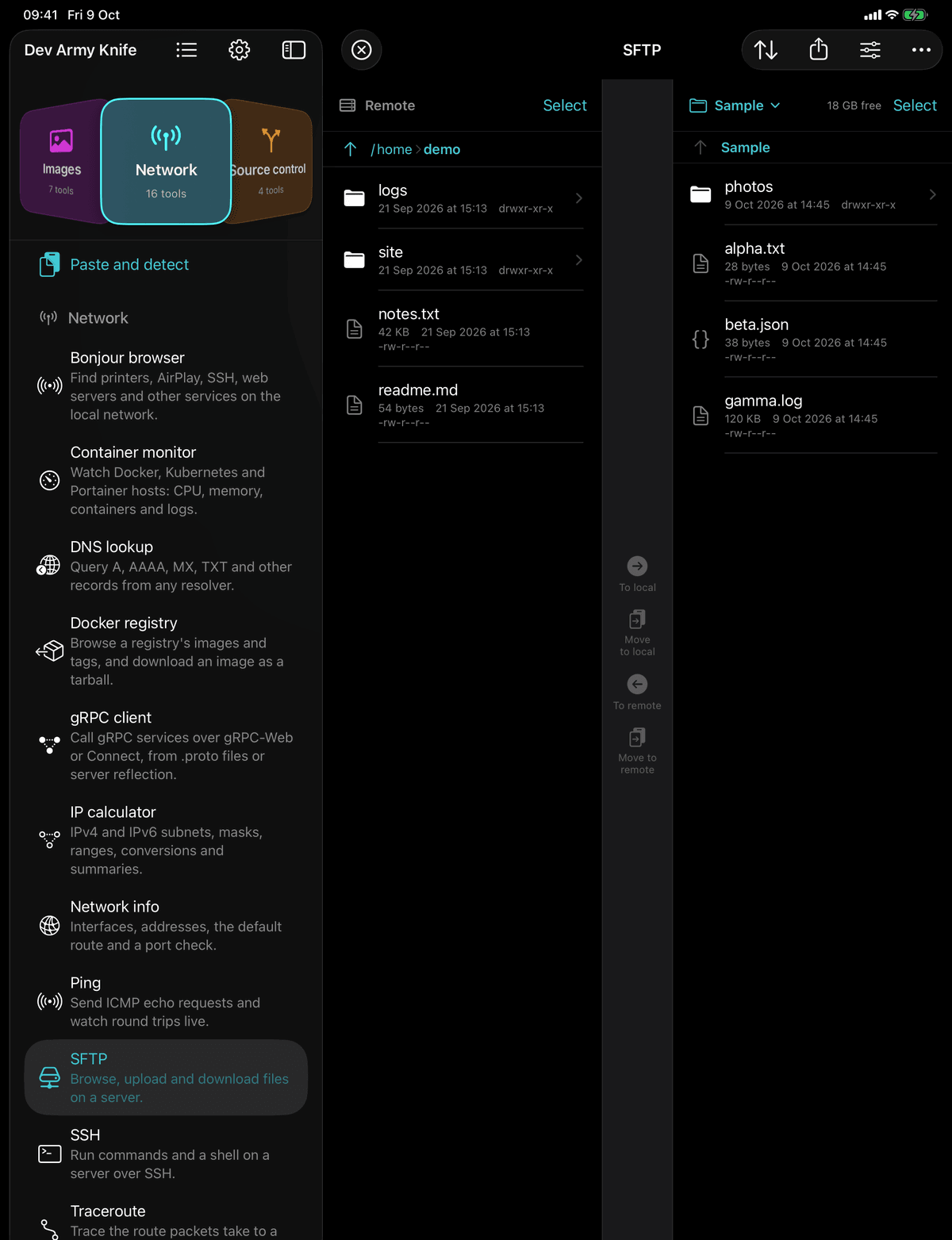
iPhone, iPad and iPhone Duo
Two panes on an iPad, either side of the fold on a Duo
Two-pane tools put the editor and the preview side by side on an iPad and either side of the fold on an iPhone Duo. On the phone the same tool is one pane at a time, with a switch at the top. The iPad sidebar shows every category with its count, and a list of recent tools.
- Light and dark mode, following the system or forced in Settings
- Dynamic Type throughout
- Requires iOS 18 or later; the iPhone Duo layouts need iOS 27.1
Every tool
101 tools. 43 free to keep.
Text, data and formats, encoding, security, web and APIs, design, images, network, source control, generators and reference, in the app’s own order and the app’s own words. Start with a dozen, or browse the whole knife by category, see each tool on an iPad or an iPhone, and tap any tool for its full help text.
12 to start with. Tap any tool for a closer look and its full help text.
Reference, all free
A shelf of reference sheets
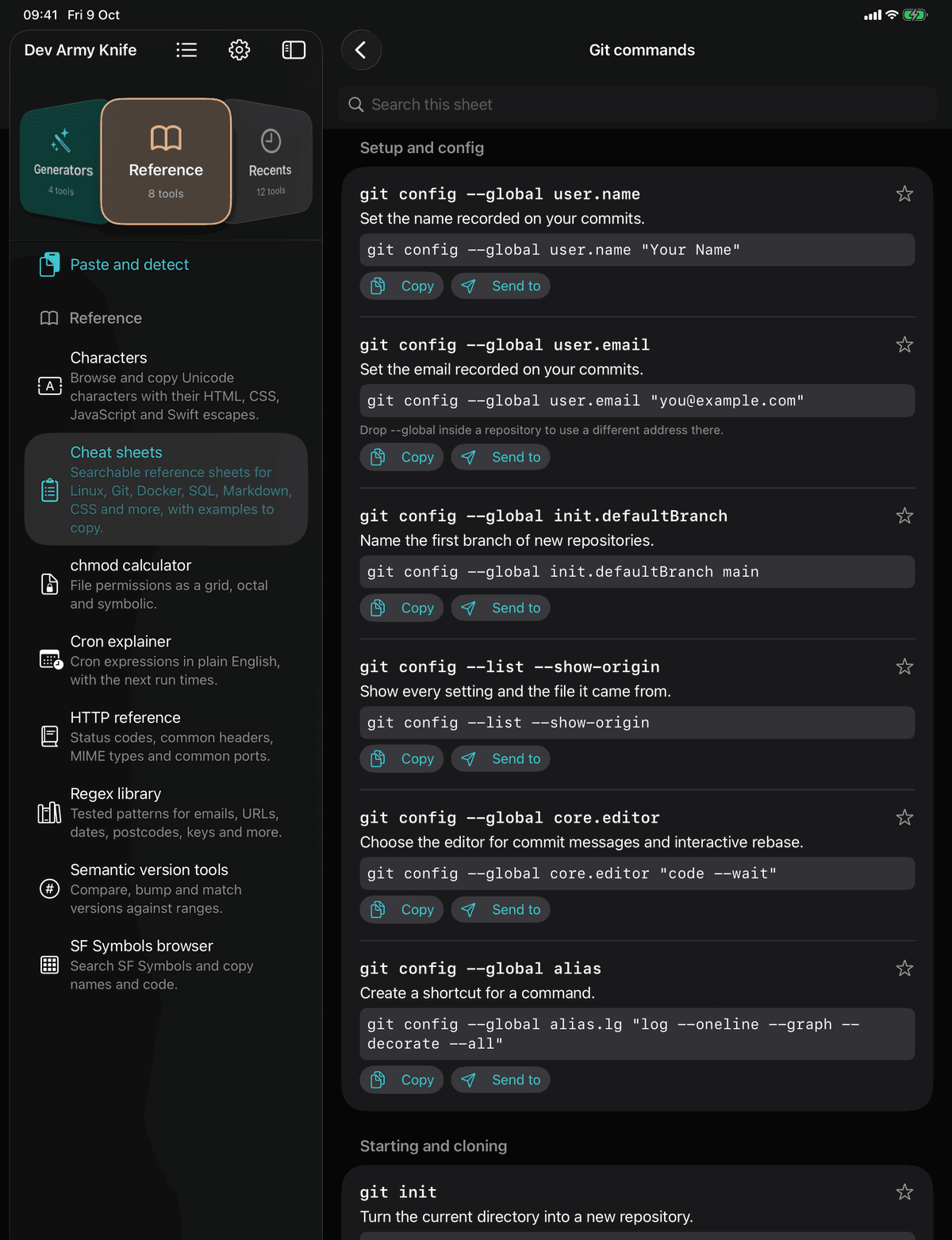
Searchable cheat sheets for Linux, Git, Docker, SQL, Markdown, CSS and more, with examples to copy or send on. Beside them: Unicode characters with their escapes, a chmod calculator, a cron explainer with the next run times, an HTTP reference of status codes, headers, MIME types and ports, a regex library of tested patterns, semantic version tools and an SF Symbols browser.
Every reference sheet is free. The network diagnostics are too: Bonjour, DNS, an IP calculator, ping, traceroute, whois and Wake on LAN.
Free and Pro
43 tools free. One purchase for all 101.
The rule the split follows: if it takes a minute it is free, if it is a workbench it is Pro. No subscription, no packs, no account.
Free
43 tools, staying free
- The quick jobs: JSON tools, the regex tester, text diff, the converters, Base64 and encoders, hashes, JWTs, passwords, timestamps, units and number bases
- The text and code editor, Markdown, the web inspector, colour tools, CSS gradient and image tools
- Network diagnostics: Bonjour, DNS, the IP calculator, ping, traceroute, whois and Wake on LAN
- Every reference sheet, and Apple Intelligence text
Pro
One purchase
- The other 58 tools, for the full 101: SSH, SFTP, Transfers, the API tester, the mock server, Git, the KeePass vault, SQLite, the design and image workbenches and more
- A single purchase on your Apple Account, not a subscription. Family Sharing is on
- Every Pro tool can be tried three times before buying
- Tools added later join Pro at no extra cost
- The purchase itself goes to Apple and nowhere else
Straight answers
Before you download
Is it free?
43 of the 101 tools are free, including every reference sheet, and they stay free. One purchase, Pro, unlocks the other 58. No subscription, no packs, no account.
Can I try a Pro tool first?
Yes. A locked tool can be opened three times before buying. A try lasts until you leave the tool.
What leaves the device?
Nothing, unless you ask for it. The app has no server and no analytics. Network access happens only on an explicit action, such as sending a request, cloning a repository, pinging a host or hosting the mock server, and those tools say what they will do first.
What needs Apple Intelligence?
Two tools: Apple Intelligence text and SEO suggestions. They need iOS 26 or later on an iPhone 15 Pro or later, or an M1 iPad or later, with Apple Intelligence turned on, and they run on the device. Without it they stay listed with a marker and explain why.
What does it run on?
iOS 18 or later, on iPhone and iPad, and on iPhone Duo with layouts that follow the fold. Appearance follows the system or can be forced light or dark in Settings, and there is an optional app lock with Face ID or Touch ID.
What is it built on?
Swift, with open source for the hard parts, credited in About: Citadel and SwiftNIO SSH for the SSH stack, FlyingFox for the on-device server, Mermaid for diagrams, Swift Crypto and the github/gitignore templates among them. All MIT, Apache 2 or BSD.
Private by architecture
No accounts, no server, no tracking
The privacy manifest declares no tracking and no collected data, and this page says the same thing.
Nothing is collected
No account, no sign-in, no analytics, no advertising and no server operated by us. The privacy manifest declares no tracking and no collected data.
Network only when you ask
The tools that reach out, such as the API tester, mock server, SSH, SFTP, S3 and ping, connect only to the host you give them, on your action, and say what they will do first.
Your files stay yours
Files opened from Files or the Share sheet are read on the device by the tool you send them to. What you paste into a tool is never sent to us.
Apple Intelligence, on the device
The two Apple Intelligence tools use the on-device model. Nothing you enter is sent anywhere.
The details, in full: Dev Army Knife Privacy Policy
101 tools, one app,
and nothing leaves the device.
Requires iOS 18 or later. iPhone and iPad. No accounts, no analytics, no subscription. Built by PDS Technology in the UK.
Coming soon to the App Store
Questions? Get in touch·support@pds-technology.ltd