For iPhone & iPad
Quick ML
A complete data-science studio in your pocket.
Free to download. One purchase unlocks everything, forever. No subscription.
Import real datasets, explore and clean them properly, train machine-learning models, and make predictions - the whole workflow, entirely on device. Built for data scientists and students of data science who don’t always have a laptop with Python to hand.

1,000,000+
row datasets stream on device
19
machine-learning algorithms - 4 free, all with Pro
9
statistical tests, plain-English verdicts
0
accounts, uploads or trackers
Learning data science?
Every screen explains what the numbers mean and why each step matters. See the Python equivalent of what you just did, and export the whole workflow as a notebook with Pro.
See how it shows its workingAlready working with data?
Open real datasets, APIs and databases the moment you get them, analyse them wherever you are, then take the models, reports and dashboards with you.
See what it connects toNew to Quick ML? Read the step-by-step guide
No laptop? No problem
Open a dataset the moment you get it
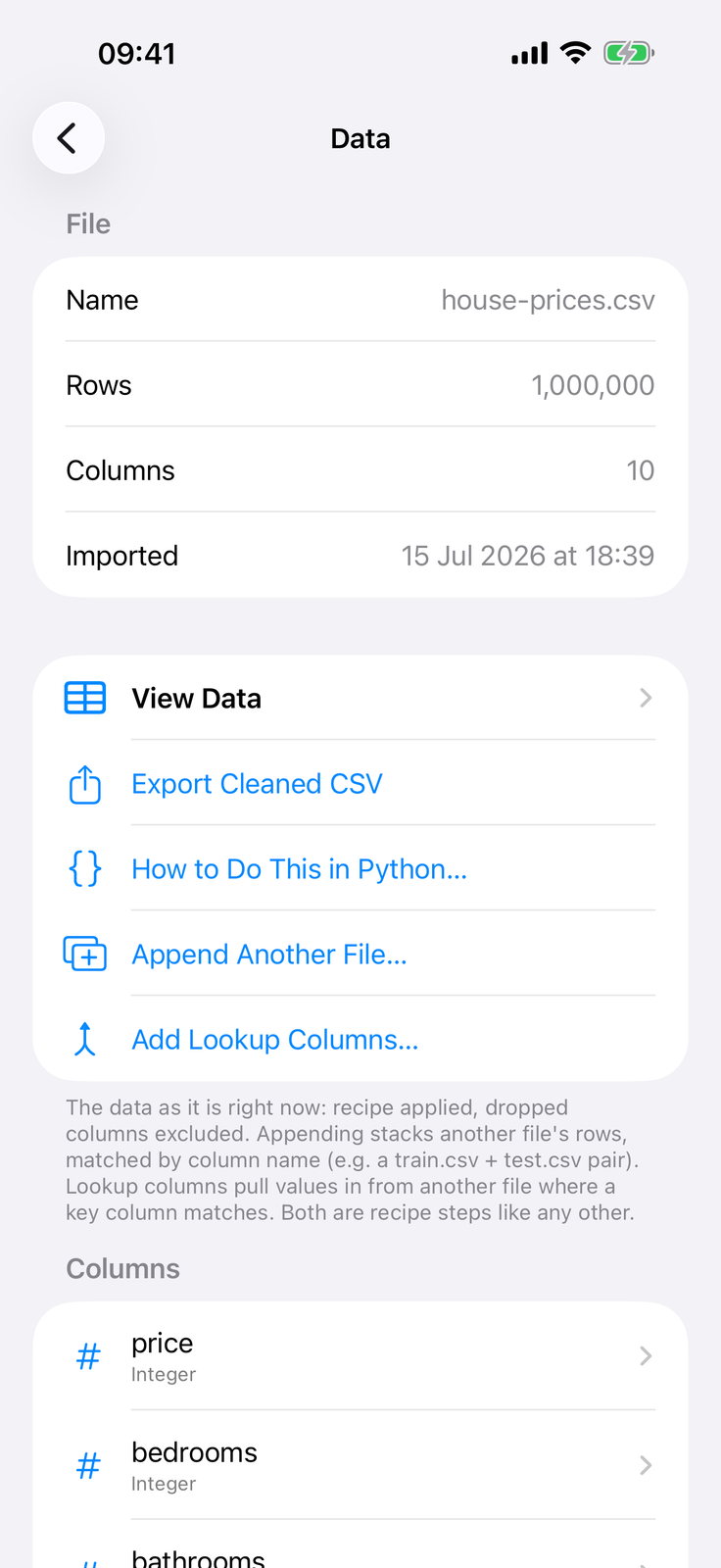
On the train, in a lecture, at a client’s site, on the sofa: import a dataset and have a trained, evaluated model before you’re anywhere near a computer. A million-row CSV is fine - data streams into a local store and never loads into memory at once.
- Full descriptive statistics for every column the moment it lands
- Histograms, box & violin plots, distribution charts - all expandable to full screen and shareable
- Non-destructive: every change is a recorded recipe step, individually undoable and replayed identically when data refreshes - a failed step never touches the data you are looking at
Connectors
Import anything
Real data comes from everywhere. Quick ML meets it there.
CSV, TSV & Parquet
Open delimited files of any size - a million rows streams straight into a local store. Parquet files from your data pipelines open natively.
Excel
Import sheets from .xlsx workbooks.
Word & PDF
Tables inside .docx files and born-digital PDFs. Tap the table you want when a document has several. Merged cells are handled, and multi-page tables are stitched together with repeating headers kept once. Values come from the PDF’s own text, so scanned pages and images of tables are not read.
JSON & XML
Local files are shaped into a table through a visual mapper: tap the table, pick fields, expand lists into rows. The same mapper turns JSON stored inside a text column into new columns.
Web pagesPro
Point at a page, tap the table you want, and it becomes a dataset to clean, train on and refresh later. Multi-row headers and results split across pages are handled. Works with tables in the page itself, not ones loaded by script after it opens.
JSON & XML APIsPro
Fetch a sample, tap the table into shape, and set up paging, custom headers and sign-in once. Every refresh replays the same steps, including from servers on your own network.
GraphQLPro
Post a query and map the reply the same way, cursor paging included.
KagglePro
Browse and download Kaggle datasets with your own API key.
PostgreSQLPro
Query a database directly - credentials stay in your device Keychain.
Image folders & ZIPs
Folders of images grouped by label sub-folder, ready to train a classifier. A ZIP of same-shaped files, such as monthly reports, combines into one table with a source-file column.
Combine projects
Join two projects into one dataset on a shared key column, then join the result again. Combinations nest, and refreshing a project refreshes every source up the chain.
Refresh, append, mergePro
Sources can be re-imported, stacked, or merged on a key as new data arrives. Keep History appends every fetch stamped with its time, so a page that only shows the current table becomes a time series you can chart and forecast.
Explore & clean
EDA that would make your laptop jealous
Profile, visualise, and clean properly - with the reasoning spelled out at every step.
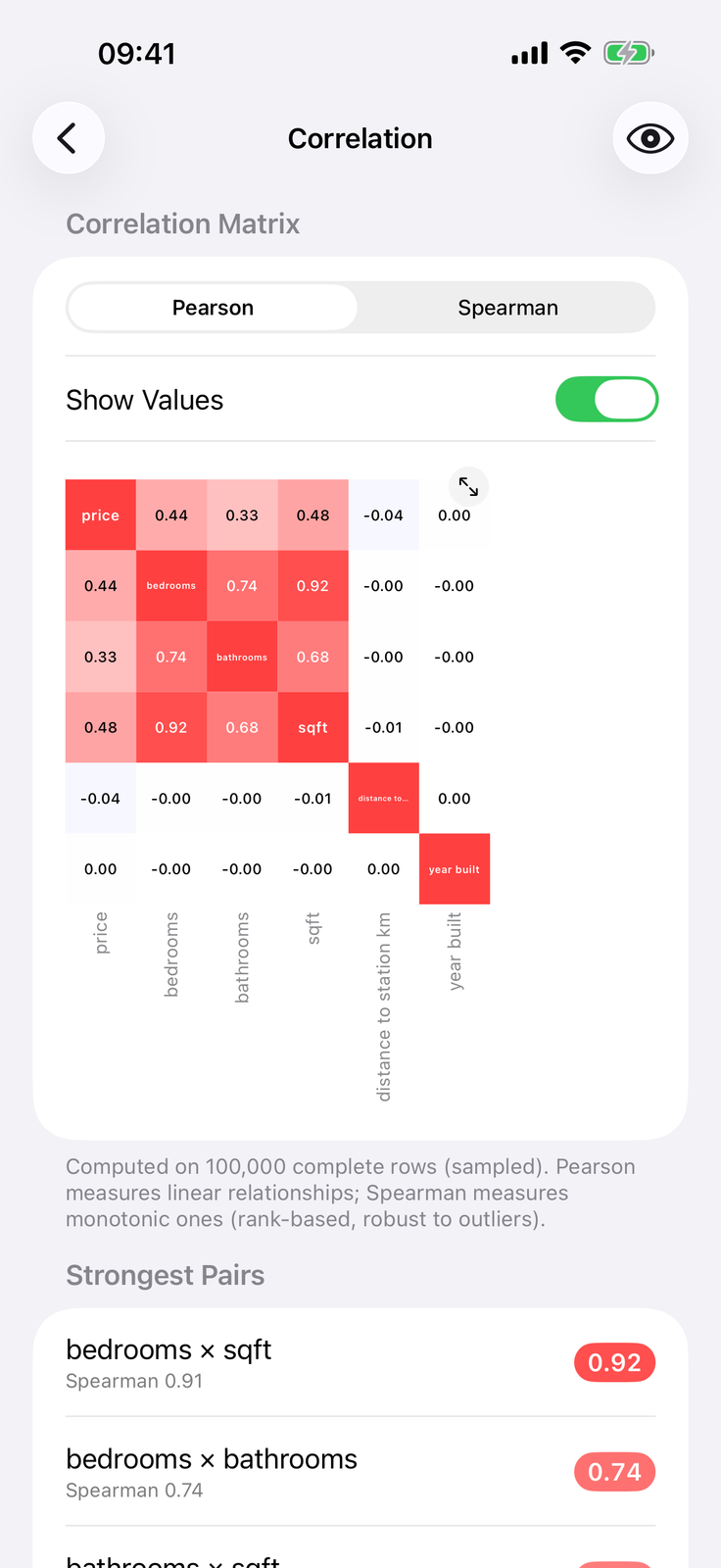
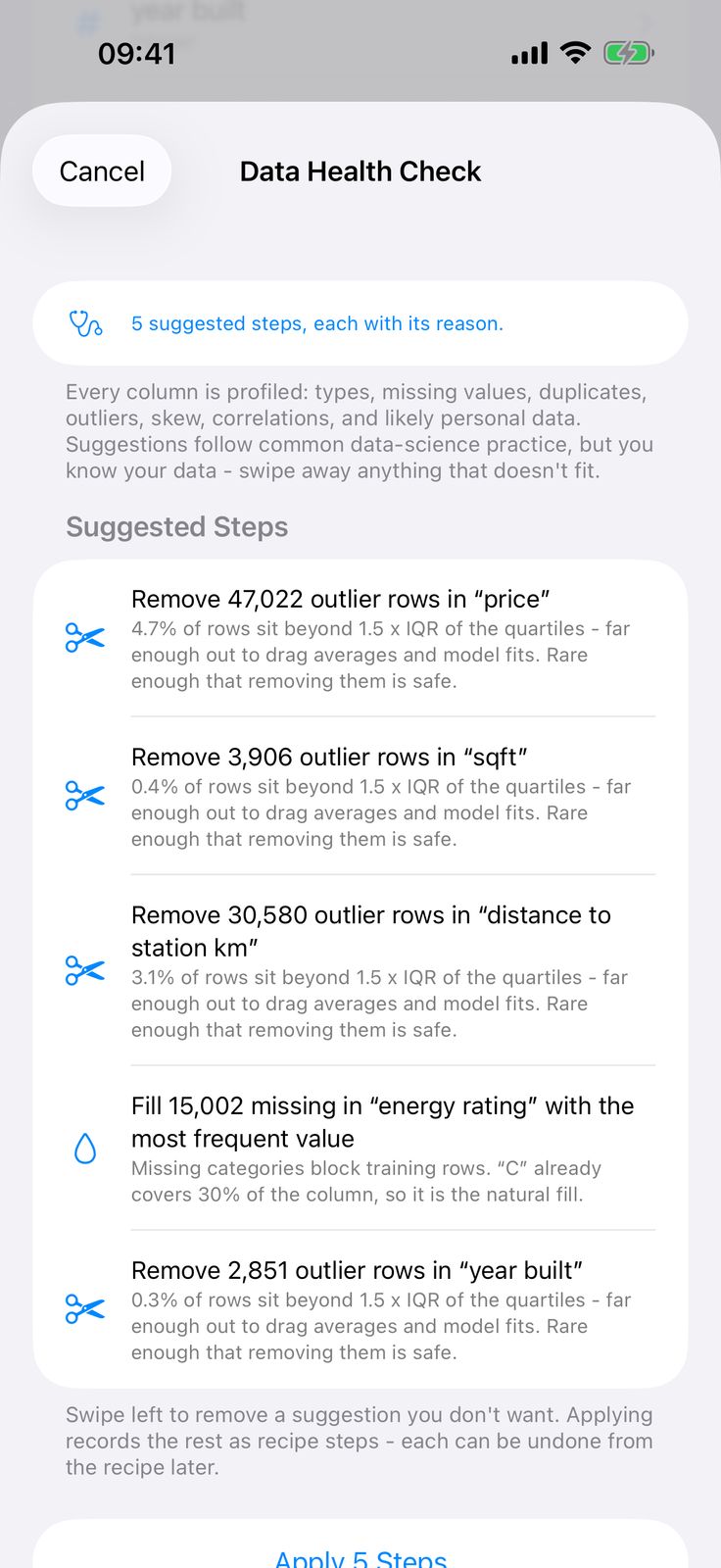
- Data Health Check profiles every column and suggests cleaning steps, each with its reason - swipe away what doesn’t fit, apply the rest in one tap. It names the values it cannot read and points at the tidy that fixes them, and flags extreme values with the value itself
- Fills, filters, dedupe, outlier trims, find & replace, type changes - every change a replayable recipe step, like a pandas script you can swipe
- Tidy Dates, Numbers and Durations turn messy text into real values: dates stored unambiguously and shown in your own format, grouped digits, percent signs, currency symbols and bracketed negatives read correctly, lap and clock times like 1:23.636 converted to seconds. A text column of numbers is never silently misread
- Derived columns: date parts and differences, bins, ratios, lags, rolling windows, combined columns, maths with a constant, and rich text features - word clouds, sentiment, language, readability, people & places, even AI columns generated by Apple’s on-device intelligence
- Nine statistical tests - chi-squared, ANOVA, t-test, Mann-Whitney U and more - with plain-English verdicts
- One-tap anonymisation: fake names and emails, scrambled phone numbers, postcode areas, dates to month or year - sensitive data handled before it goes anywherePro
Train
Real models, honestly evaluated
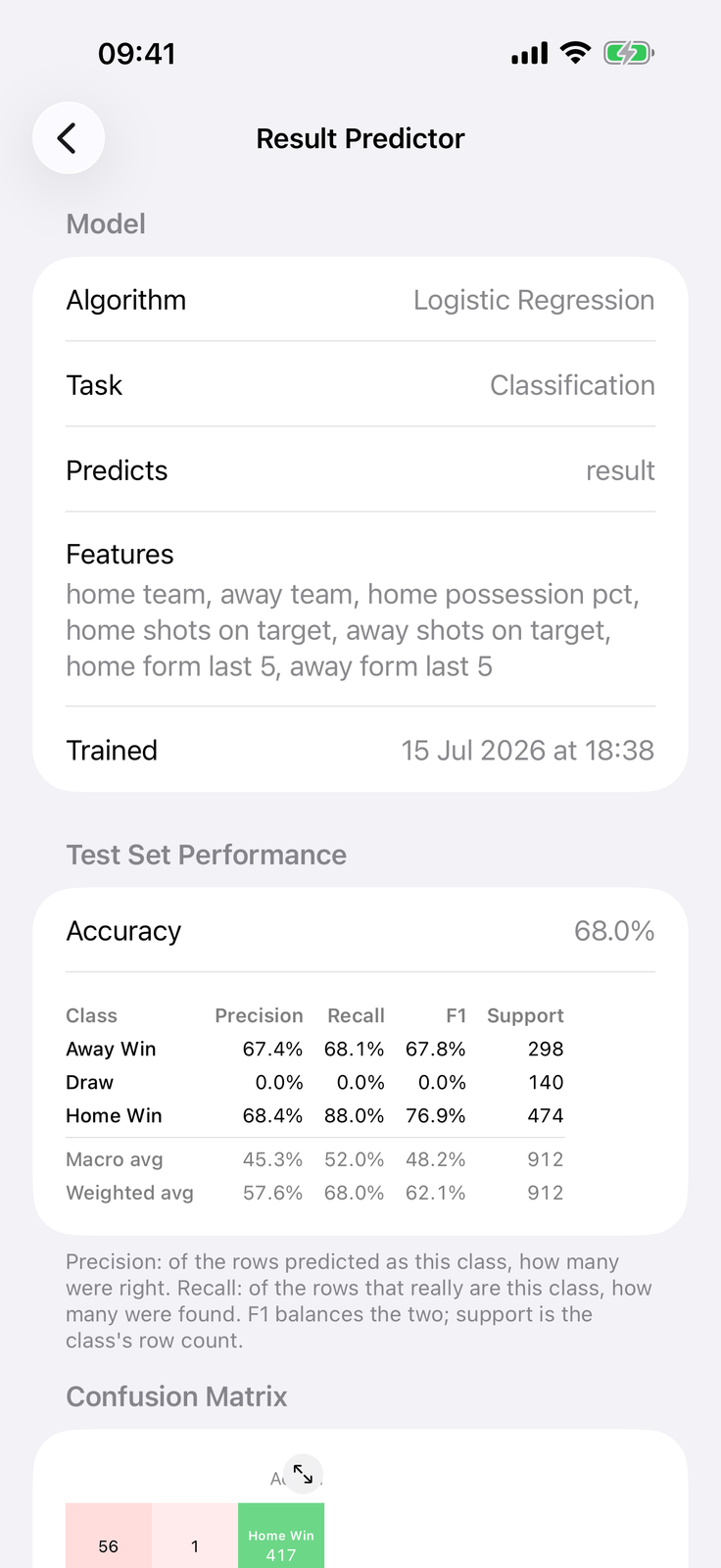
Seeded, stratified or time-ordered splits, expanding-window cross-validation for time-ordered data, cross-validated auto-tuning, and full evaluation - R² and RMSE, confusion matrices, ROC and AUC, permutation feature importance, learning curves. Compare multiple models head to head.
Regression
- Linear regression
- Decision tree
- Random forest (auto-tuned)
- Boosted trees
- Neural network you design visually
Classification
- Logistic regression
- Decision tree, random forest & boosted trees
- Neural network (up to 6 hidden layers)
- k-nearest neighbours & Naive Bayes
- Linear SVM & Apple NLP text classifier
Clustering
- k-means (elbow & silhouette charts)
- DBSCAN (density)
- Agglomerative (Ward)
- Gaussian mixture
- Training settings, explained: ridge and lasso regularisation for linear and logistic regression, learning rate, minimum child weight and row and column sampling for boosted trees, sampling for random forests - each described in plain English beside the control. Auto-Tune searches them for you
- Honest scores: image classifiers report accuracy on photos held back before training, models that sampled their training rows say so, and a prediction shows the probability for every class
- Stop whenever you like: training and Auto-Tune can be cancelled part way, and every long analysis stops when you leave the screen
Linear regression, logistic regression, k-means and the image classifier are free to train. All 19 algorithms, auto-tuning and the neural network designer come with Quick ML Pro.
Studying data science?
It shows its working
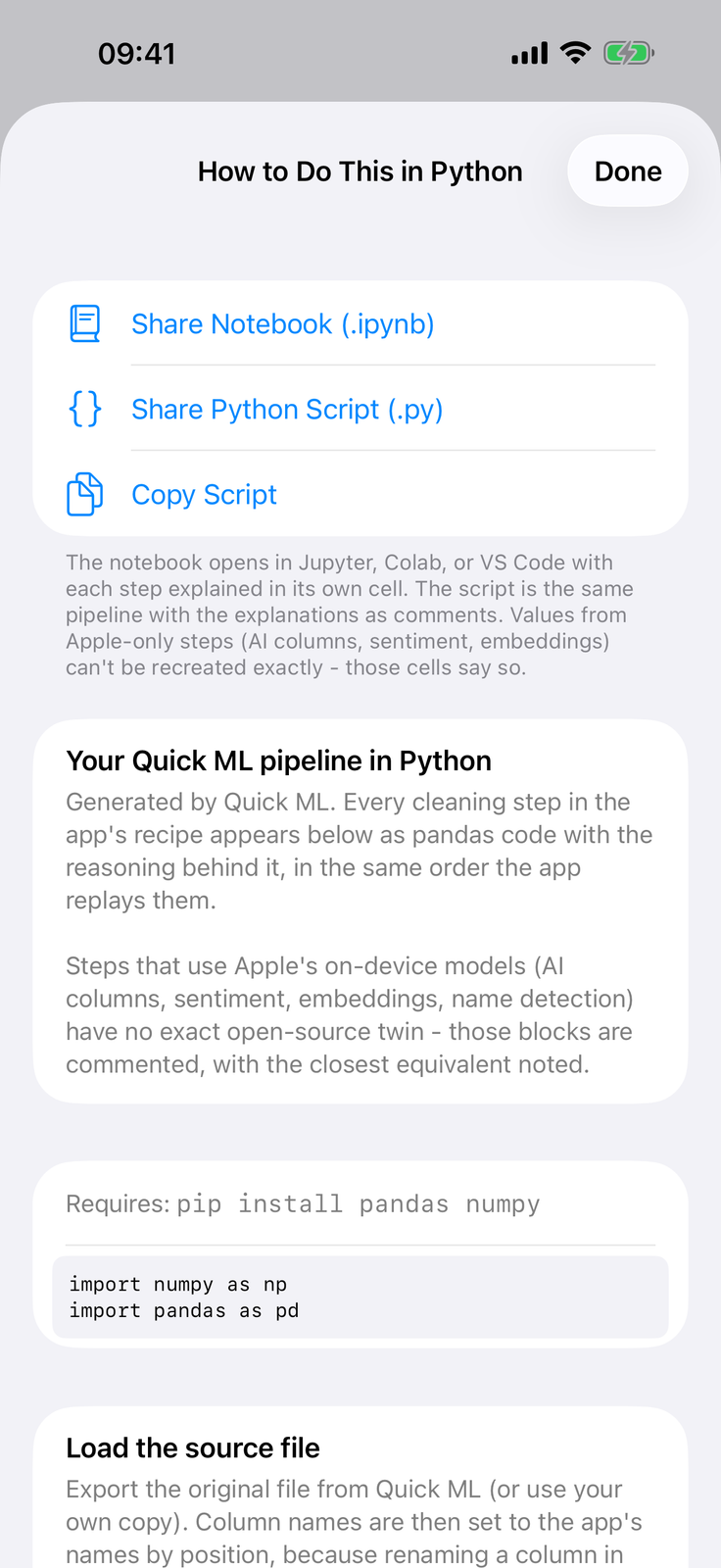
Every screen explains what the numbers mean and why each step matters, from quartiles to overfitting. Then How to Do This in Python shows your exact pipeline as pandas and scikit-learn code, every step with its reasoning - and Quick ML Pro exports it as a ready-to-run Jupyter notebook that fetches the same data source and replays every tidy step. What you did on the sofa becomes the coursework, and the concepts transfer straight to the tools you’re learning.
Working data scientist? Take the results with you
- Export any trained model as a Core ML .mlmodel and drop it into an Xcode project Pro
- Fast batch predictions over whole files, score held-out sets, compare model versions
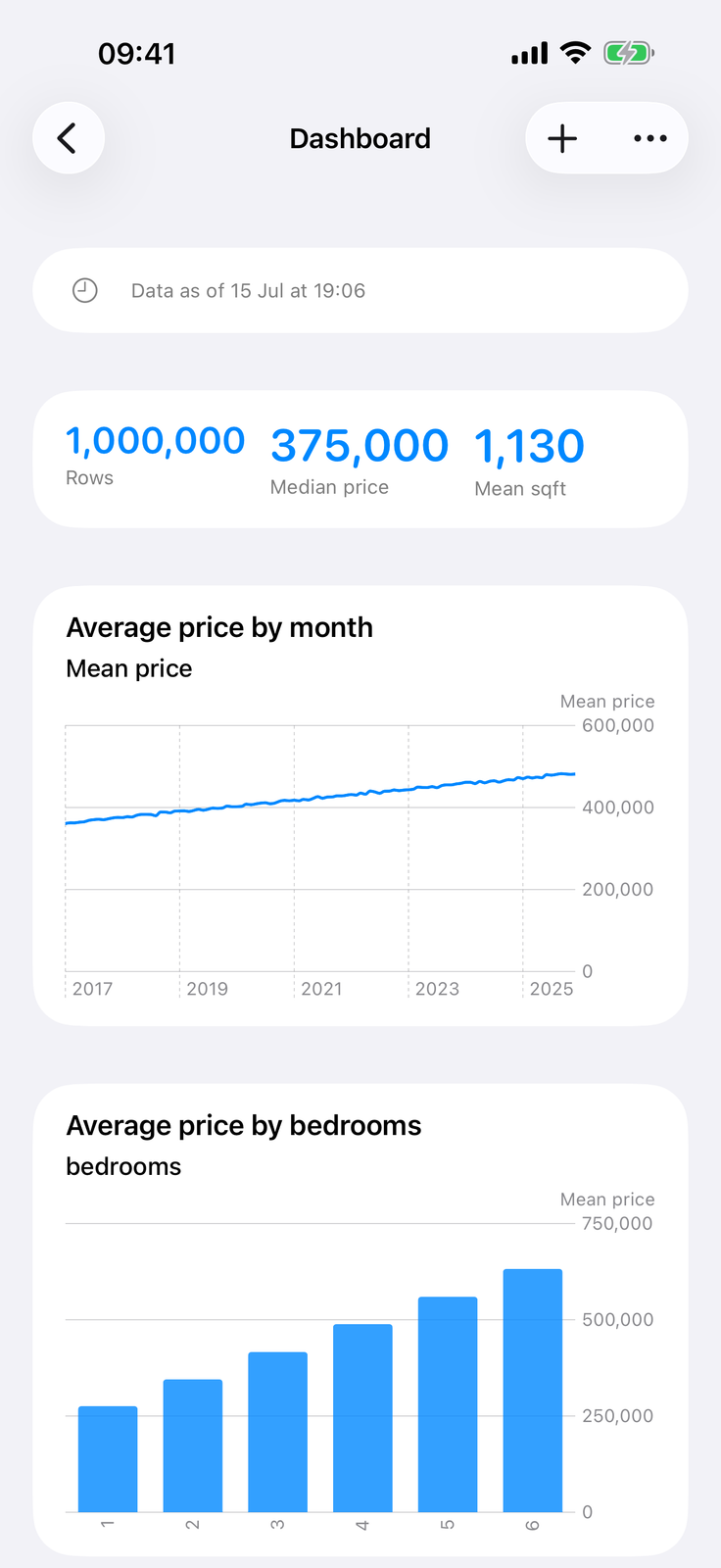
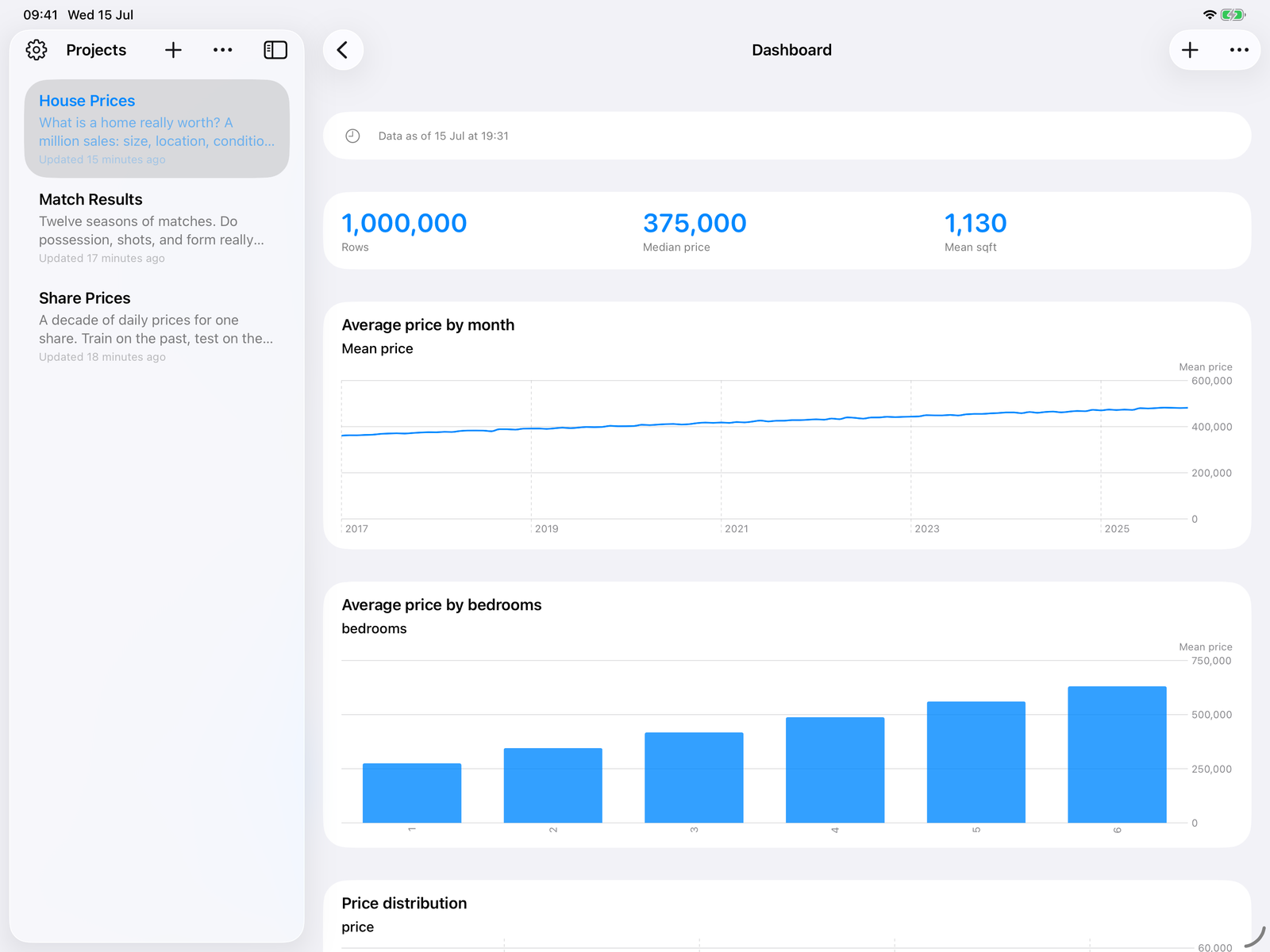
- Build live dashboards from stat tiles and charts, then export as a PDF Pro
- Generate a client-ready PDF report of the entire project in one tap
- Share the whole project with other Quick ML users - the import and cleaning recipe travels with it, so they reconnect the source in one tap and get the same cleaned table Pro
Images mode
Machine learning for photos too
Point Quick ML at folders of labelled images and go from raw pictures to a working classifier without leaving your phone.
Understand your classes
Image and class counts, per-class bar charts, and sample browsers for every label.
Average images
See the average image per class - colour, individual channels, or greyscale - and compare two classes side by side.
Train a classifier
Train an image classifier on device, with a true test accuracy measured on photos held back before training, and a confusion matrix.
Classify photos
Classify single photos or whole batches, with the best match and the probability for every class - and, with Quick ML Pro, export the .mlmodel.
Private by architecture
Your data never leaves your hands
Not a promise buried in a policy - a consequence of how the app is built.
Everything computes on device
Importing, cleaning, training, predicting - all of it happens on your iPhone or iPad. Your data never touches a server.
No accounts, no analytics
Nothing to sign up for, nothing tracking you. An easy answer when the dataset is sensitive.
Syncs through your iCloud
Projects sync privately between your own devices using your own iCloud storage. We receive nothing. Rebuildable data is kept out of device backup, so large datasets never count against your iCloud backup space.
Credentials stay in the Keychain
Kaggle keys and database passwords are stored only in your device’s secure Keychain.
The details, in full: Quick ML Privacy Policy
Made for iPad
More screen, same studio
The full workflow with a projects sidebar and room for dashboards to breathe.
Pricing
Free to try. One price to own.
The core workflow is free, forever. A single purchase of Quick ML Pro unlocks everything else - no subscription.
Free, for everyone
- Import files of any size: CSV, Excel, Word, PDF, parquet, JSON, XML, ZIPs of files, image folders
- Explore and clean without limits: statistics, charts, nine statistical tests, the Data Health Check, every tidy and cleaning step, combining two projects on a key
- Train the classic algorithm for each task: linear regression, logistic regression, k-means, and the image classifier
- Full honest evaluation: confusion matrices, ROC, residuals
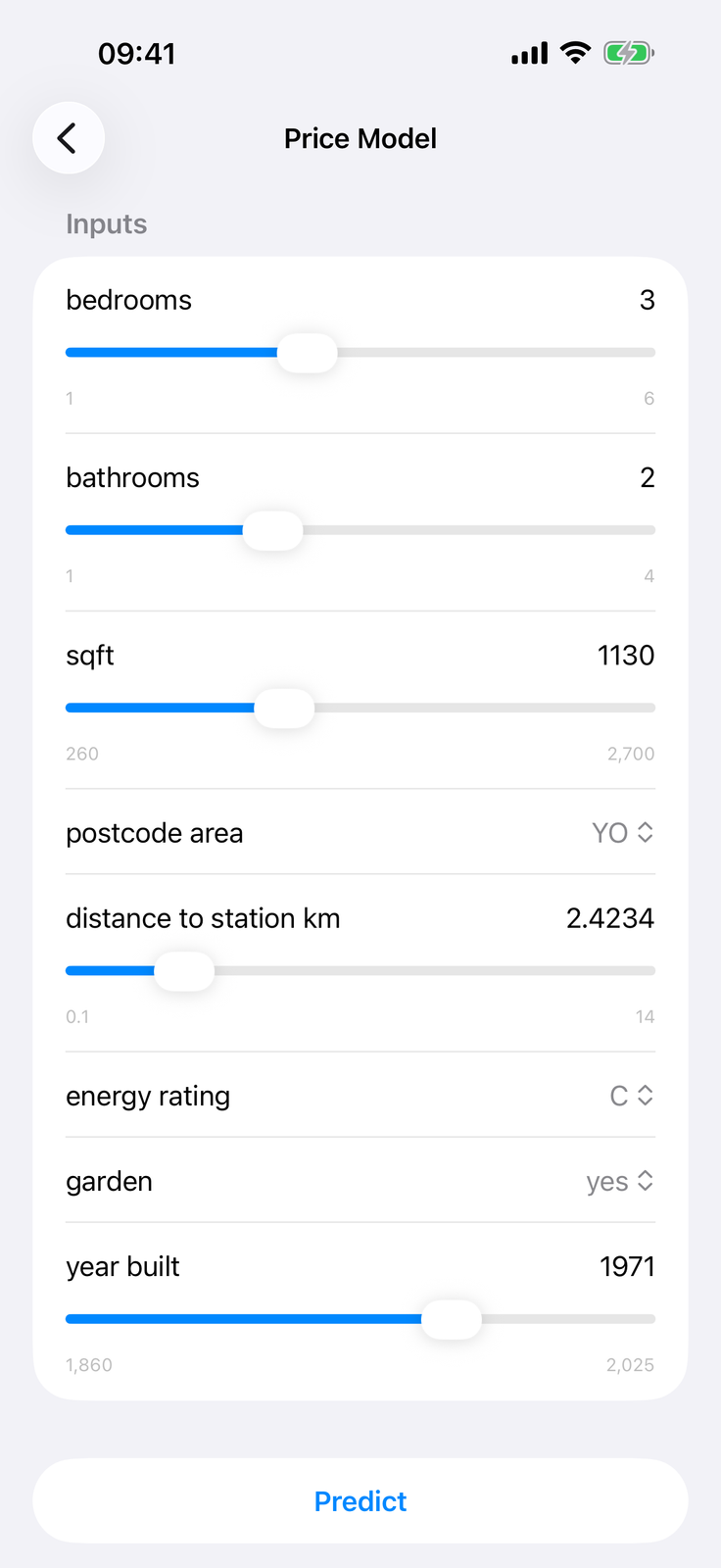
- Predict, including whole files and held-out test sets
- Read your pipeline as Python, export your cleaned CSV, generate PDF reports (dashboards are a Pro feature)
- Up to 3 projects, synced privately between your devices
Quick ML Pro
One purchase, yours forever
- Live dashboards built from stat tiles and charts
- All 19 algorithms, auto-tuning, and the neural network designer
- Import from web pages, JSON and XML APIs, GraphQL, Kaggle, and PostgreSQL, with refresh, append, Keep History, and lookup joins
- Export models as Core ML and pipelines as Jupyter notebooks
- Share whole projects, recipe included, and apply anonymisation
- Unlimited projects and full AI column runs
No subscription. No account. Bought Quick ML when it was a paid app? Pro is already yours.
If you have data and a phone,
you have a data-science workstation.
Requires iOS 26 or later. iPhone and iPad.
Want a walkthrough first? Read the how-to guide
Questions? Get in touch